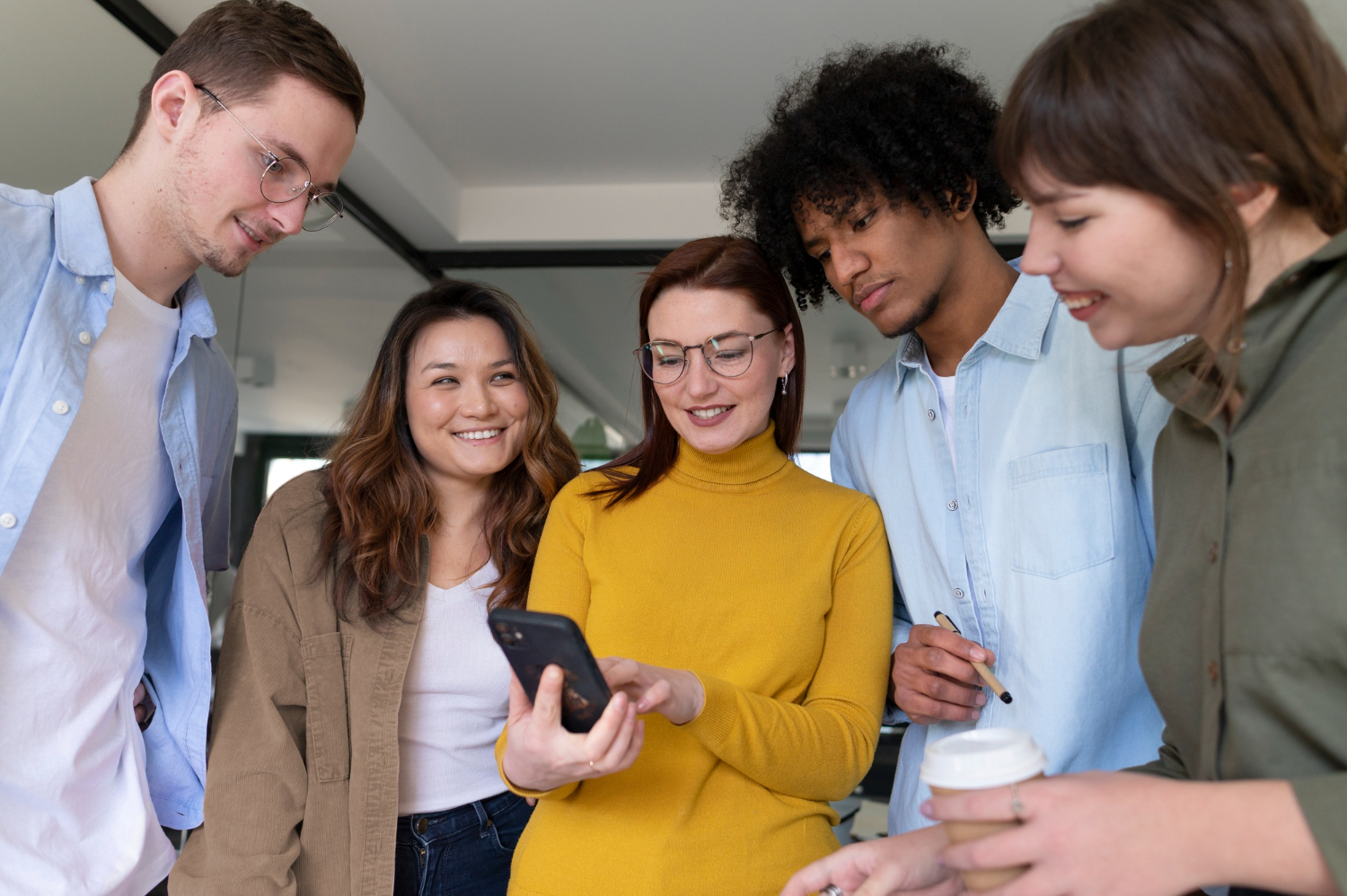
Event text messaging now sits at the center of a strong guest experience. When attendees have questions or plans change, they expect fast, clear answers on the device they are already staring at all day: their phone. If your team cannot respond quickly or send timely updates, you feel it in longer lines, more confusion, and frustrated staff trying to fix problems on the fly.
In this article, we will walk through what makes event text messaging different from other types of business texting, the main types of platforms you can choose from, and the tradeoffs of each. We will also share how we think about guest communication at Concierge, and how you can evaluate options so your next event feels like a conversation, not a scramble.
Attendee expectations have shifted from long email chains and clunky event apps to instant, two-way communication. During an event, people want quick answers to simple questions, clear direction when plans change, and reassurance when something goes wrong. Texting is the most natural channel for that.
Event text messaging is different from generic business SMS in a few ways:
What is at stake is not just convenience. Good event text messaging leads to fewer lost attendees, smoother room turns, better sponsor experiences, and staff who are not constantly putting out fires. When communication breaks down, you see it in complaints, lower satisfaction, and a team that ends the event exhausted.
Not every texting tool is built to handle this. Choosing the right platform has a direct impact on your guests, your staff, and how your event actually feels on the ground.
When you evaluate event text messaging options, it helps to start with the basics that every team-focused platform should cover.
Two-way messaging that scales is non-negotiable. Attendees need to be able to reply and get a real answer, not just receive one-way alerts. Strong platforms support:
When this works, you cut down lines at the help desk because people can text simple questions instead of waiting in person.
You also need broadcast updates for real-time changes. Schedules shift, rooms move, weather happens. Your platform should let you:
Scheduling and automation are a lifesaver for busy teams. You should be able to prefill:
Ideally, you can trigger messages based on time or simple attendee behavior, so not everything depends on manual sending.
Finally, do not overlook compliance, data, and integrations. You want:
Integrations with your registration platform or event tools keep your lists clean and your reporting meaningful.
Many event teams start with general business SMS products. These tools are usually designed for sales or support, with features like shared phone numbers, basic automation, and canned responses.
They offer some real strengths:
They are fine for generic announcements, basic support, or simple reminders. The limitation shows up when you try to run a complex, live event with them.
Common constraints include:
Teams often say versions of, “It works, but it feels like we are forcing an everyday tool to fit our event,” or, “We end up juggling spreadsheets and tags just to stay organized.” The hidden cost is the extra coordination and stress your team absorbs as your event grows.
Another option is an all-in-one event platform that includes registration, agenda tools, and a basic messaging module. These suites are usually strong for planning and logistics, with SMS or push notifications as one more feature in the toolbox
Pros often include:
For high-level communications, these tools can get the job done. Where they struggle is live, two-way guest support.
Typical limitations look like:
Event teams frequently tell us, “The messaging tool is fine for reminders, but we still rely on email or radios during the event,” or, “It is not built for live guest support, so we patch in other tools.” As events become more complex and attendee expectations rise, many teams eventually outgrow these built-in features.
Concierge takes a different approach. We focus solely on guest communication for professional event teams, so everything centers on what actually happens on site: check-in, room changes, transportation, last-minute logistics, and live support.
Our workflows are designed for event days, not generic customer support. That means:
By centralizing event text messaging in one place, we help reduce chaos at help desks and information points, so guests get consistent answers no matter who is responding.
For attendees, the experience is simple. They text a regular number, get fast, clear answers, and never have to download an app or search their inbox. For staff, conversation history and approved templates make it easy to pick up where someone else left off and respond confidently.
Event teams often tell us that Concierge feels like it was designed by people who understand how events actually run. Comments like “Our team actually trusts the messaging now,” and “We finally have a single place for all guest texts,” translate into smoother operations, fewer bottlenecks, and a calmer on-site experience.
When you compare platforms, start with your real workflow, not a feature checklist. Map what happens:
Ask yourself who will actually be in the tool during peak times and how quickly they need to respond.
Next, test for high-pressure scenarios. Run a small pilot and simulate:
Watch how the platform handles message volume, routing, and visibility. Pay attention to how easily non-technical or temporary staff can log in, understand context, and reply.
Finally, look beyond the feature list to reliability and partnership. Consider:
Event text messaging is now a core layer of the guest experience, not a nice extra. Choosing a platform that is truly built around event teams and their attendees, like Concierge, lets every event feel more like an organized conversation and less like managing confusion through a dozen disconnected channels.
If you are ready to streamline how you reach attendees before, during, and after your events, we are here to help. At Concierge, we make it simple to set up targeted event text messaging that keeps guests informed and engaged in real time. Our team will work with you to design a messaging strategy that fits your brand, your goals, and your operations. Let us help you turn every event into a smoother, more personalized experience for your guests.
Learn how Concierge can help your team level up guest communication at your next event.

© 2025 Concierge Messaging LLC. All rights reserved.