If you run professional events, there is a good chance you have created a quick WhatsApp group to keep attendees, VIPs, or executives in the loop. It feels simple and familiar. Everyone is already there, and you can start sending updates in minutes. Then the event starts, and that neat idea turns into chaos.
Memes show up. Side conversations take over. Guests reply all to ask questions that apply only to them. Photos from the reception push critical messages out of view. By the time you post a last‑minute room change or a transportation update, half your audience barely sees it.
For enterprise audiences, that noise is more than an inconvenience. It raises questions about professionalism and brand consistency. Attendees do not see a verified sender, there is no visual alignment with your company or client, and the tone of an informal group chat can feel out of place for senior leaders. It blurs the line between official communication and casual banter.
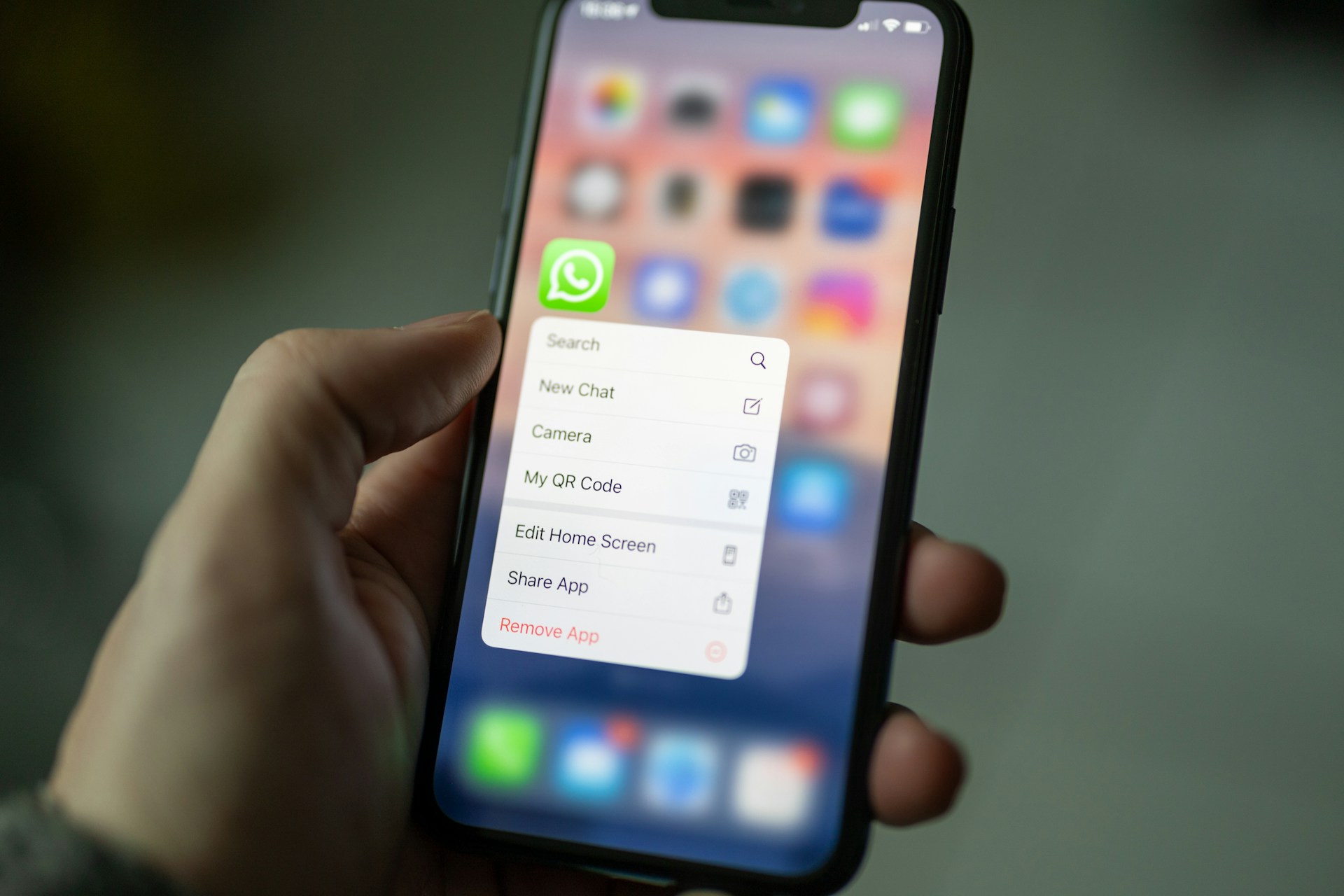
At Concierge, we believe WhatsApp can still be a powerful part of messaging for events, as long as it is used in a structured and intentional way. The problem is not the channel itself. The problem is relying on unmoderated group chats for information that needs to be timely, clear, and trustworthy.
WhatsApp works well for events because it meets attendees where they already are. Most people keep it open all day, so alerts feel natural and easy to act on. When information needs to move quickly, such as a bus delay or a room capacity issue, that everyday behavior really matters.
The channel is also mobile first. Attendees read on the way to sessions, while they walk between buildings, at the airport, or in a shuttle. Short messages with links or map pins are far easier to handle in those moments than long emails or printed guides.
WhatsApp also supports rich content. You can send:
• Links to updated agendas or speaker bios
• Images of floor plans or wayfinding signs
• PDFs with session overviews or security details
• Location pins for venues, pickup points, and offsite dinners.
Used this way, WhatsApp becomes one part of a broader messaging for events strategy. It complements email, which is better for pre‑event information and long‑form content, and it complements both SMS and your event app, which might carry deeper schedules or engagement tools. The goal is not to replace everything with WhatsApp, but to give guests the right information in the channel they can act on fastest.
Group chats look convenient at the beginning, but they create problems as soon as your audience grows or your event becomes more complex.
First, there is the noise. Important announcements have to compete with ongoing chatter, photos, and reactions. People join at different times, scroll only partway back, or mute the thread entirely. That is a risky place for time‑sensitive alerts about schedule changes, transportation issues, or safety information.
Second, WhatsApp groups are tied to one person’s account. If that organizer steps away, their phone dies, or they are busy solving onsite issues, the communication channel stalls. There is no simple way for colleagues to share the workload, maintain continuity, or see exactly what has been sent.
Third, there is no scheduling or automation. Everything depends on someone remembering to hit send at the exact right moment. With multi‑day or multi‑track programs, and with multiple time zones, that manual process invites errors and inconsistent experiences.
Finally, perception matters. A casual, emoji‑heavy group chat can feel inappropriate when your attendees include executives or enterprise clients. They expect a more polished and clearly official communication channel, not the same format they use for family and friends.
To treat WhatsApp as a professional channel, we recommend rethinking how you structure it from the start.
Replace all‑attendee group chats with one‑to‑many broadcasts. Broadcasts let you message many individuals at once, while keeping each thread one‑to‑one, so you protect privacy and avoid a noisy shared space. Official information stays clear and separate from any informal conversations guests have among themselves.
Then, define a content strategy. Decide what belongs in WhatsApp and what should live in email or your event app. For example:
• WhatsApp for last‑minute room or agenda changes, transportation details, and short daily highlights
• Email for travel confirmations, long agendas, and policy documents
• Event app for in‑depth schedules, speaker content, and networking tools.
Set expectations with attendees at registration or check‑in. Explain how you will use WhatsApp, what kinds of messages they will receive, and roughly how often. Clear expectations reduce fatigue and keep guests more receptive when alerts really matter.
Finally, coordinate internally. Build simple approval flows, templates, and timing rules so your team knows what to send, when, and to which audience segment. That structure turns messaging for events into a planned part of your operations, instead of ad‑hoc last‑minute scrambling.
Concierge is built to give event teams a professional way to use WhatsApp at scale, without relying on personal accounts or messy group threads.
We help you send messages from a verified WhatsApp business account that aligns with your company or your client branding. This gives attendees clear confidence that they are hearing from the official event team, not from an individual phone number.
Instead of groups, Concierge lets you send WhatsApp messages to many individuals at the same time. Each attendee receives a direct, one‑to‑one thread, so there is no group chat noise, no exposed phone numbers, and no endless reaction stream that buries important notices.
You can also schedule and automate messages in advance. Align your communication with agenda milestones, time zones, or specific attendee segments, and reduce the risk of missed or late alerts when your team is busy onsite. Multiple team members can collaborate on the same plan, so communication is not tied to a single device.
There is one important compliance point. Meta currently restricts this style of WhatsApp business messaging for audiences in the United States, as part of efforts to reduce unwanted spam. That means this approach is primarily suitable for international guests. For domestic attendees, WhatsApp should sit alongside SMS and other channels, not replace them.
Broadcasts are important, but events rarely succeed on one‑way announcements alone. Attendees have questions, often at inconvenient moments. With Concierge, you can invite them to reply on WhatsApp and get real help during the event.
Guests can ask about shuttle timing, room locations, dietary options, or on‑site registration. Their questions flow into a shared workspace where your team can triage and respond quickly, instead of juggling multiple personal phones. You can route questions to operations, hospitality, or transportation leads so answers are both fast and accurate.
Over time, this creates useful insight. You start to see patterns in the questions you receive, high‑volume time windows, and recurring friction points. That feedback helps you refine future event design and improve your overall communication plan.
Used in this way, WhatsApp becomes a true service channel for VIPs and executives who expect responsive, high‑touch support, not just a stream of generic alerts.
The real shift is simple. Move from informal group chats tied to one person’s phone, to structured, branded, and scheduled communication that matches enterprise expectations. By treating WhatsApp as one intentional piece of messaging for events, you get clearer information flow, less stress for your team, and a better on‑site experience for your guests.
For event leaders, this is an opportunity to review how WhatsApp is used today and where casual approaches are putting important information at risk. By combining broadcast messaging, verified branding, automation, and two‑way support for international guests, it is possible to keep the convenience of WhatsApp and leave the group chat chaos behind.
If you are ready to simplify how you reach guests before, during, and after every gathering, we would love to help. At Concierge, we work with teams to design clear, timely messaging for events that actually gets read and acted on. Whether you are planning one major conference or a full season of experiences, we can help you build a communication flow that fits your goals and tools. Visit our site to explore what is possible and start a conversation with our team about your next event.
Learn how Concierge can help your team level up guest communication at your next event.

© 2025 Concierge Messaging LLC. All rights reserved.